How to Share Your Tracker's Location With an Airline
A tracker used to leave you arguing with a desk agent who could not see what you could see. Both phone platforms now generate a link that shows them the bag on a map.
We have not tested this gear. Every figure here is compiled from published manufacturer specifications and published airline policies, and the arithmetic is public so you can check it. This page contains affiliate links — see the affiliate disclosure.
Both platforms do this now. Apple publishes Share Item Location in Find My from iOS 18.2, and Google publishes the same idea in Find Hub. You generate a secure link, hand it to the airline, and it expires on its own after 7 days. SITA reports that truly lost bags fell 90% when sharing is enabled through WorldTracer.
- Open Find My or Find Hub and select the item. On iPhone open Find My and go to the Items tab; on Android open Find Hub and select the lost item. Pick the tracker that is in the missing bag.
- Generate the share link. On iPhone, scroll to the Lost Item section and choose Share Item Location. On Android, tap share item location. Either way the phone produces a secure web link rather than giving anyone access to your account.
- Give the link to the airline. Paste it into the airline's baggage claim form, app or website - whichever its delayed-bag process uses. The agent opens a web page showing the bag on a map that keeps updating.
- Stop sharing, or let it stop itself. Both platforms expire the link automatically after seven days, and both disable sharing as soon as your phone detects the item is back with you. You can also stop it manually at any time.
| # | Product | Published hardware | Fits | Score | Price |
|---|---|---|---|---|---|
| 1 | Apple AirTag (2nd generation)iPhone households, and checked bags that need finding at the other end | IP67 rated to 1 m for 30 minutes, user-replaceable CR2032 cell, second-generation Ultra Wideband chip | 11 of 11AA DL UA WN … | 5.8 | $24.00 · Check on Amazon#ad How we earn |
| 2 | Chipolo ONE Point Bluetooth TrackerAndroid households, and finding a bag by ear rather than by map | IPX5 splash rating, replaceable CR2032 cell, published up to 120 dB alarm and 200 ft (60 m) Bluetooth range | 11 of 11AA DL UA WN … | 5.6 | $38.99 · Check on Amazon#ad How we earn |
Prices last verified October 1, 2026. Prices move — the figure you see on Amazon at the moment you click is the real one.
What actually changed
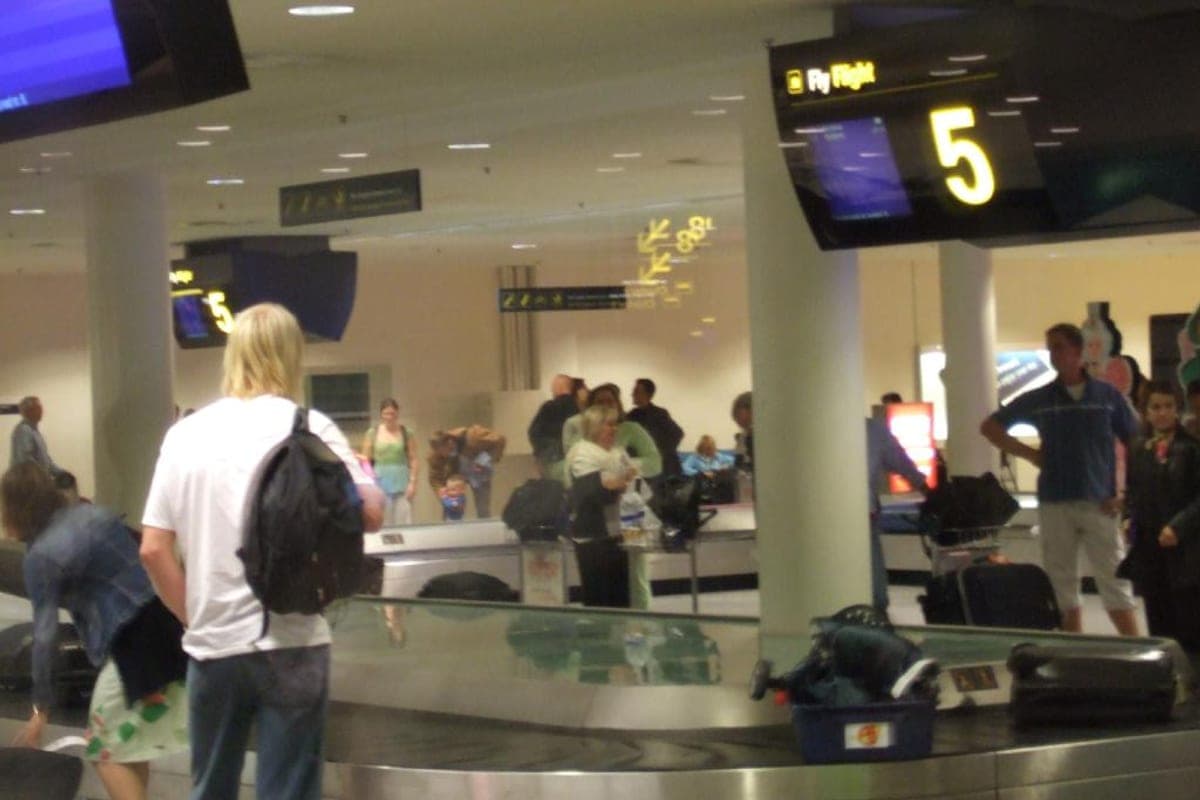
A tracker in a checked bag used to create a strange standoff. You could see the bag sitting in a sorting facility two airports back; the agent in front of you could see only what the airline’s own system said, which was usually nothing. There was no way to show them.
Apple published Share Item Location in iOS 18.2 to close exactly that gap. You generate a link; the recipient opens a web page showing the item on an interactive map. They do not get your account, your other devices or your history — they get one item, for a limited time.
Google publishes the same capability in Find Hub, with the same seven-day expiry and the same automatic shut-off. The two are separate systems with separate airline lists, which is the part that decides whether this is useful to you.
What the published figures say
SITA, which operates the WorldTracer baggage system the airlines use, published a one-year review of the Apple integration.
| Published figure | Value |
|---|---|
| Reduction in truly lost bags when sharing is enabled via WorldTracer | 90% |
| Reduction in recovery time for delayed bags | 26% |
| Airlines using the Apple Find My integration in WorldTracer | 29 |
| Global mishandling rate | 6.3 bags per 1,000 passengers |
| Mishandled bags reunited with owners within 48 hours | 66% |
Read the last two rows together with the first two, because they set the honest scale. Most mishandled bags were already coming back — 66% inside two days — and the mishandling rate itself is low at 6.3 per thousand passengers. What sharing changes is the tail: the bags that would otherwise have become truly lost rather than merely late.
Which airlines accept a link
This is the question that decides everything, and the two platforms answer it differently.
| Apple Find My | Google Find Hub | |
|---|---|---|
| Carriers named at announcement | More than 15 | More than 10 |
| US carriers named | United, Delta | None |
| Link expiry | 7 days | 7 days |
| Stops automatically on reunion | Yes | Yes |
| Requirement | iOS 18.2, iPhone Xs or later | Android, Find Hub app |
- Apple’s published list — United, Delta, British Airways, Air Canada, Lufthansa, Qantas, Singapore Airlines, Swiss, Turkish, Austrian, Aer Lingus, Air New Zealand, Brussels Airlines, Eurowings, Iberia, KLM, Vueling and Virgin Atlantic.
- Google’s published list — Ajet, Air India, China Airlines, the Lufthansa Group carriers, Saudia, Scandinavian Airlines and Turkish, with Qantas named as coming. Google also publishes that it works through SITA and Reunitus, which between them reach a great many more carriers than the named list.
Which tracker this needs
The feature belongs to the finding network, not to the tracker, so the tracker you own decides which airline list applies to you.
If you carry an iPhone
An AirTag or any Find My network accessory. Apple publishes the second-generation AirTag at 1.26 in across and 0.026 lb, with an IP67 rating to a published 1 m for 30 minutes — which is the rating that matters on a wet baggage belt — and a user-replaceable CR2032 cell. Its weakness is that there is no Android pairing path at all, and Apple publishes no price on the specification page.
If you carry an Android phone
A Find Hub accessory such as the Chipolo ONE Point, which publishes a 120 dB alarm and 200 ft of Bluetooth range. Pairing requires Android 9 or later. The honest caveat is the one in the table above: the Google airline list currently names no US carrier. The two trackers compared directly.
Set this up before you need it
Nobody wants to learn a new phone flow standing at a baggage desk at midnight. Four things are worth doing while the bag is still in your hands.
- Check your phone is current. Apple publishes iOS 18.2 as the minimum, free for iPhone Xs and later.
- Confirm the tracker is paired and named. A tracker called “Item 1” is no help when you are reading a list at speed. Name it for the bag.
- Put it somewhere it will not be found or crushed. Where to put a tracker in a bag covers that, and it matters more than the brand.
- Know your carrier’s delayed-bag process. The link is useless until somebody takes it — the steps in order when a bag does not arrive.
What it does not do
- It does not stop a bag going missing. It shortens the tail after it already has. Nothing in your luggage prevents a mis-scan in a sorting hall.
- It does not work if your carrier is not integrated. On a carrier outside both lists you are back to telling an agent an address, which they may or may not act on.
- It does not cross platforms. An AirTag will not help you on Google’s list and a Find Hub tag will not help you on Apple’s. One household with two phone platforms needs to think about which bag carries which tag.
- It is not a theft recovery tool. Both companies publish anti-stalking countermeasures that alert a stranger carrying an unknown tracker, which is the right design and also means a determined thief is told it is there. What actually protects valuables.
The privacy design is the good part
It would have been easy to build this badly. Both platforms instead publish the same three constraints: the link resolves to a single item rather than your account, it expires on its own after 7 days, and it shuts off automatically as soon as your phone detects that the item is back with you. Either company also lets you revoke it manually at any moment.
That is worth knowing because the natural worry — handing a stranger at an airline a live feed of where your things are — is the thing the design is built around. You are sharing one bag, for as long as it takes to get it back, and not a minute longer.
Every pick, with the working
Each entry below shows the published inputs, the four axis scores they produce, and what you give up. The order is the computed order, not a commercial one.
1 · iPhone households, and checked bags that need finding at the other end
Apple AirTag (2nd generation)
11.8 g and a user-replaceable coin cell, with a second-generation Ultra Wideband chip — the only tracker here whose finding network is the installed base of every iPhone in the terminal.
- Published size
- 1.26 × 1.26 × 0.31 in
- Weight
- 0.03 lb
- Capacity
- Not published
- Weight per liter
- Not published
- Cost per covered year
- Not published
- Published list price
- Not published
Warranty Apple one year limited warranty
Fits 11 of 11 US carriers: AA, DL, UA, WN, AS, B6, F9, G4, HA, MX, SY. See the limits.
What it does well
- Second-generation Ultra Wideband chip published for Precision Finding
- IP67 rated to a published 1 m for 30 minutes, which covers a wet baggage belt
- User-replaceable CR2032 rather than a sealed battery
What you give up
- Requires an Apple device — there is no Android pairing path at all
- Apple publishes no price on the specification page
- One year warranty is the shortest term of any product in this ledger
The arithmetic behind the score
- Value not scored — No manufacturer-published price, so this axis is not scored.
- Airline-fit breadth 10.0/10 — Fits the published carry-on limit at 11 of 11 US carriers: AA, DL, UA, WN, AS, B6, F9, G4, HA, MX, SY
- Carry efficiency not scored — No published capacity, so weight per liter cannot be computed.
- Warranty & support 0.5/10 — 1 yr (0.5 of 6); no published repair route (+0); airline damage not covered (+0)
Weights and breakpoints are published on how we rank. Where an input is not published, that axis is dropped and the remaining weights are re-normalized.
Specs: Apple published technical specifications, compiled 3 September 2026. Apple publishes a diameter of 1.26 in (31.9 mm) and a height of 0.31 in (8.0 mm). The figure here repeats the diameter on two axes so the ledger's dimension formatting still works. Apple's published technical specification page does not carry a price. The Value axis is not scored for this tracker.
2 · Android households, and finding a bag by ear rather than by map
Chipolo ONE Point Bluetooth Tracker
Skip this one. Skip it only if you carry an iPhone, and the reason is the network rather than the hardware. The ONE Point is the Google Find My Device version and pairing requires Android 9 or later, so it rides Google's airline list - which currently names no US carrier at all. On Android it is the pick on this page, and its published 120 dB alarm is louder than anything Apple ships.
A published 120 dB is loud enough to find a bag in a room, which is the one thing an AirTag's speaker cannot do — and it is the Android answer, because pairing requires Android 9 or later.
- Published size
- 1.49 × 1.49 × 0.25 in
- Weight
- Not published
- Capacity
- Not published
- Weight per liter
- Not published
- Cost per covered year
- Not published
- Published list price
- Not published
Warranty No warranty term published — a 30 day money-back guarantee is published instead
Fits 11 of 11 US carriers: AA, DL, UA, WN, AS, B6, F9, G4, HA, MX, SY. See the limits.
What it does well
- Published up to 120 dB — audibly louder than any competing tracker here
- Works with Google's Find My Device network, which AirTag does not
- Thinner than an AirTag at a published 6.4 mm
What you give up
- Android only — pairing requires Android 9 or later with Google Play Services
- IPX5 is a splash rating, not the IP67 immersion rating AirTag publishes
- No warranty term published, only a 30 day money-back guarantee
The arithmetic behind the score
- Value not scored — No manufacturer-published price, so this axis is not scored.
- Airline-fit breadth 10.0/10 — Fits the published carry-on limit at 11 of 11 US carriers: AA, DL, UA, WN, AS, B6, F9, G4, HA, MX, SY
- Carry efficiency not scored — No published capacity, so weight per liter cannot be computed.
- Warranty & support 0.0/10 — no published term (0 of 6); no published repair route (+0); airline damage not covered (+0)
Weights and breakpoints are published on how we rank. Where an input is not published, that axis is dropped and the remaining weights are re-normalized.
Specs: Chipolo published specifications, compiled 3 September 2026. Chipolo publishes a 1.49 in (37.9 mm) diameter and 0.25 in (6.4 mm) thickness. The diameter is repeated on two axes for consistent formatting. Chipolo's product page did not display a price when checked on 6 September 2026. The Value axis is not scored.
Prices last verified October 1, 2026. Prices move — the figure you see on Amazon at the moment you click is the real one.
Common questions
How do you share an AirTag location with an airline?
Which airlines accept AirTag location sharing?
Can Android phones share a tracker location with an airline?
How long does a shared tracker location link last?
Does sharing a tracker location actually help?
Is it safe to give an airline your tracker's location?
Sources
- Apple — Find My enables sharing location of lost items with third parties
- SITA — one-year review of the Find My Share Item Location integration
- Google — use Find Hub to find lost luggage with airline partnerships
- Apple — AirTag published technical specifications
- Chipolo — ONE Point published specifications